Minimal expense tracker

See where your money actually goes.

You spend. Spent does the boring part — sorting, tallying, and showing your month at a glance. No sign-ups. No bank logins. Just clarity.

No account No bank login Syncs via your private iCloud
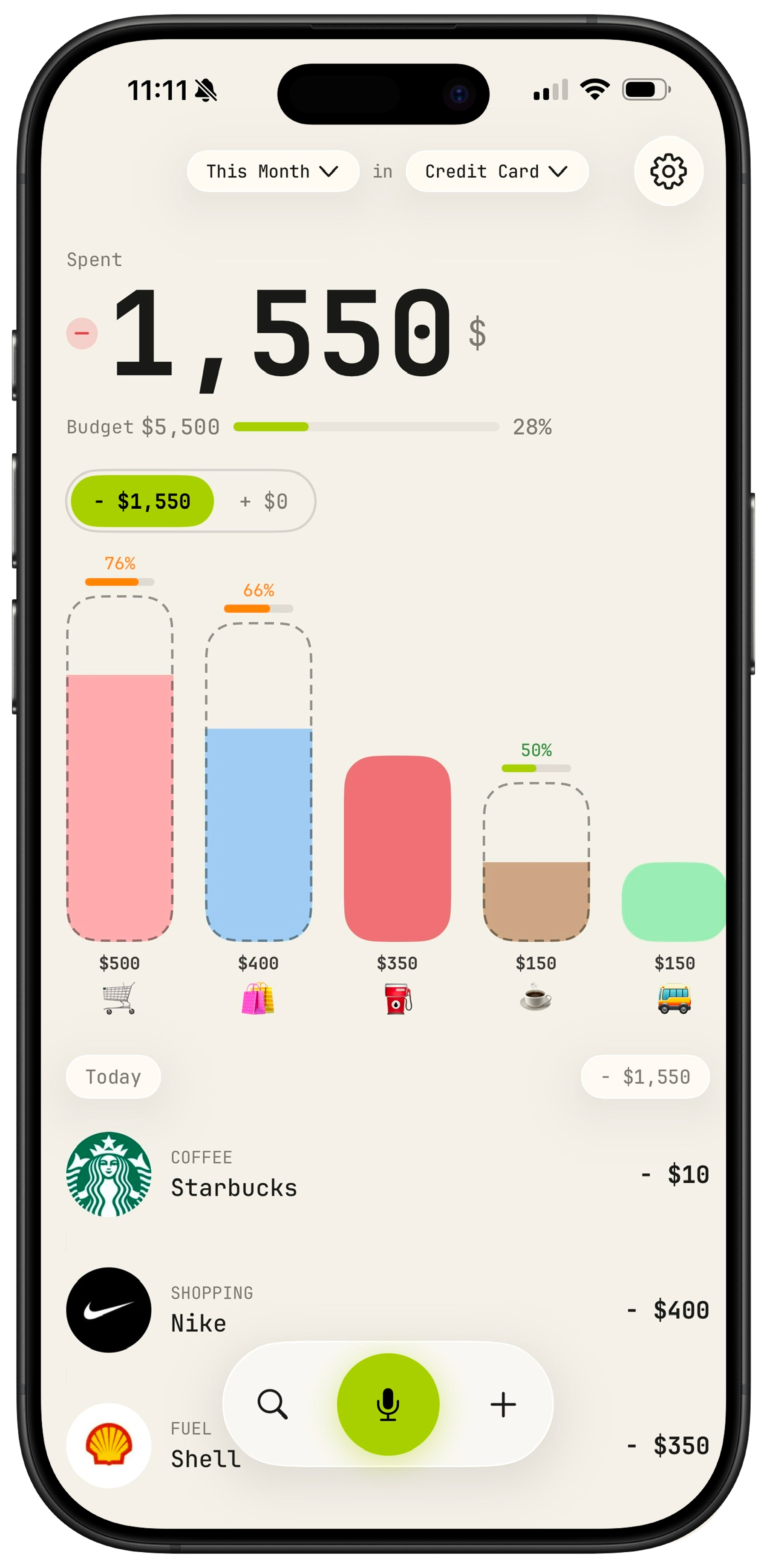
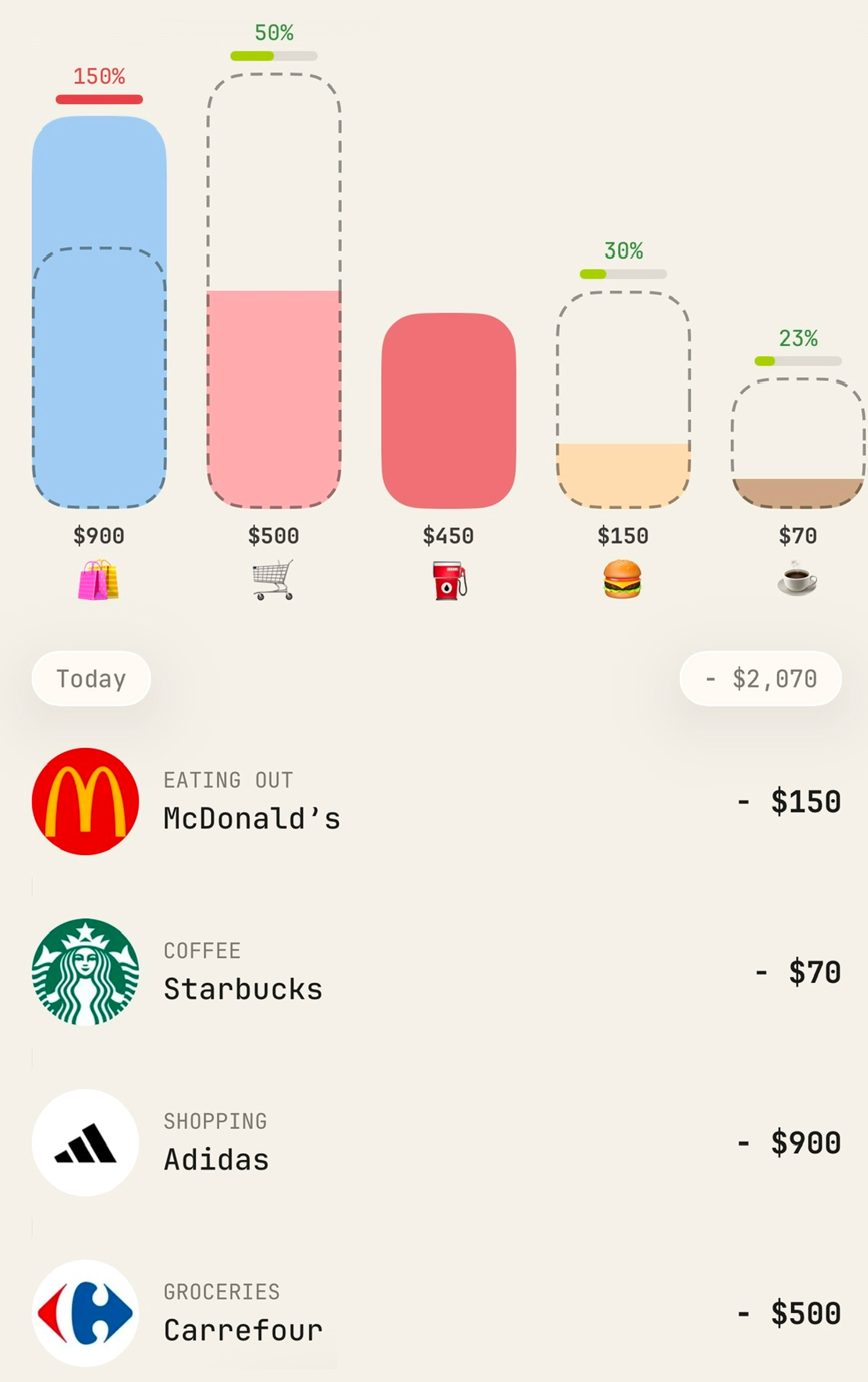
Spent dashboard showing the month's spending and category buckets

Most expense apps feel like homework. Spent doesn't.

Log a purchase by speaking it. Let AI drop it in the right bucket. Open the app, see your month, close the app. That's the whole job.

01 · Smart by default

You spend.
AI sorts.

Every transaction lands in the right bucket automatically — groceries, eating out, utilities, the lot. See your whole month at a glance.

  • Powered by AI — every expense sorted into the right category, automatically
  • Merchant logos matched and shown for you
  • Your whole month, organised and easy to follow
Category buckets filling up as you spend
02 · Budgets

Know your limits.
Own your month.

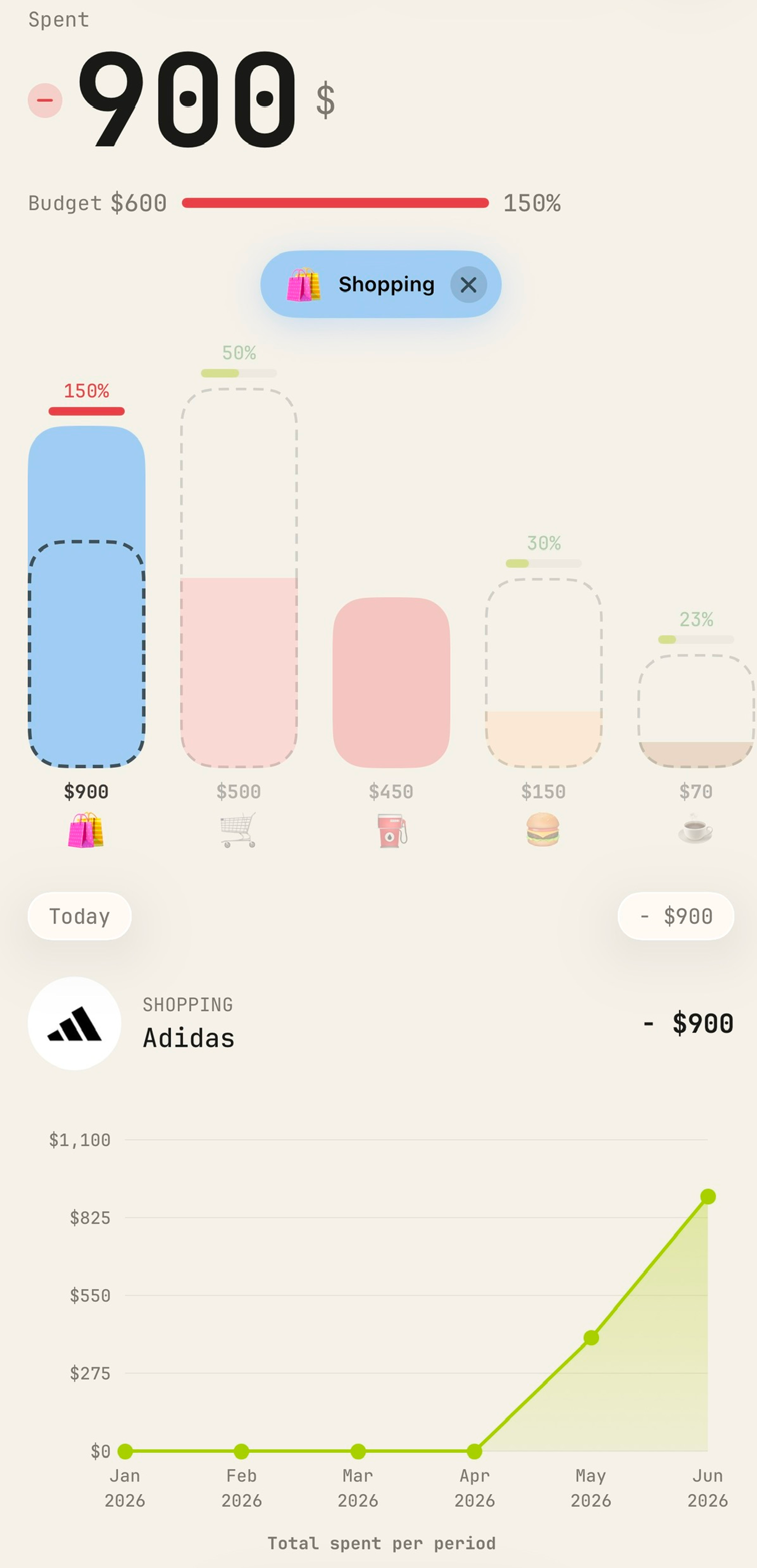
Set a limit for your whole wallet, or go granular bucket by bucket. Spent keeps count so you never get a nasty surprise at the end of the month.

  • One number for the whole wallet — the month at a glance
  • Per-category limits for groceries, going out, whatever matters
  • Live progress bars so you always know where you stand
Budget progress bars for each spending category
03 · Just say it

Speak your spending.

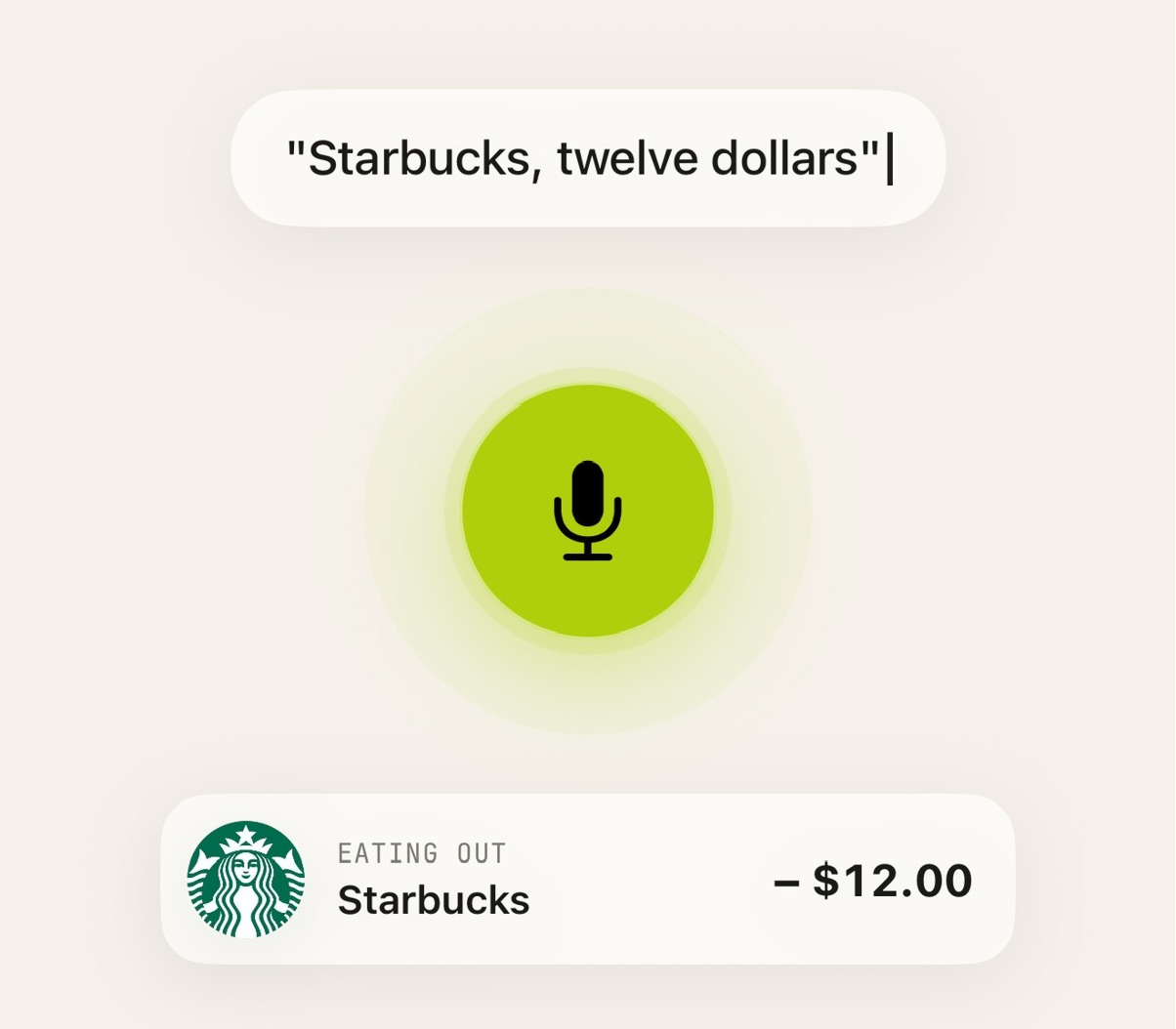
Hit the mic and say what you spent — “sixty bucks at Whole Foods.” Spent fills in the amount, merchant and category. No typing.

  • Natural language, in seconds
  • Amount, place & category detected for you
  • Edit anything with a tap
  • Works with Siri — just say "Hey Siri, log to Spent"
04 · Tap to track

Tap, pay,
tracked.

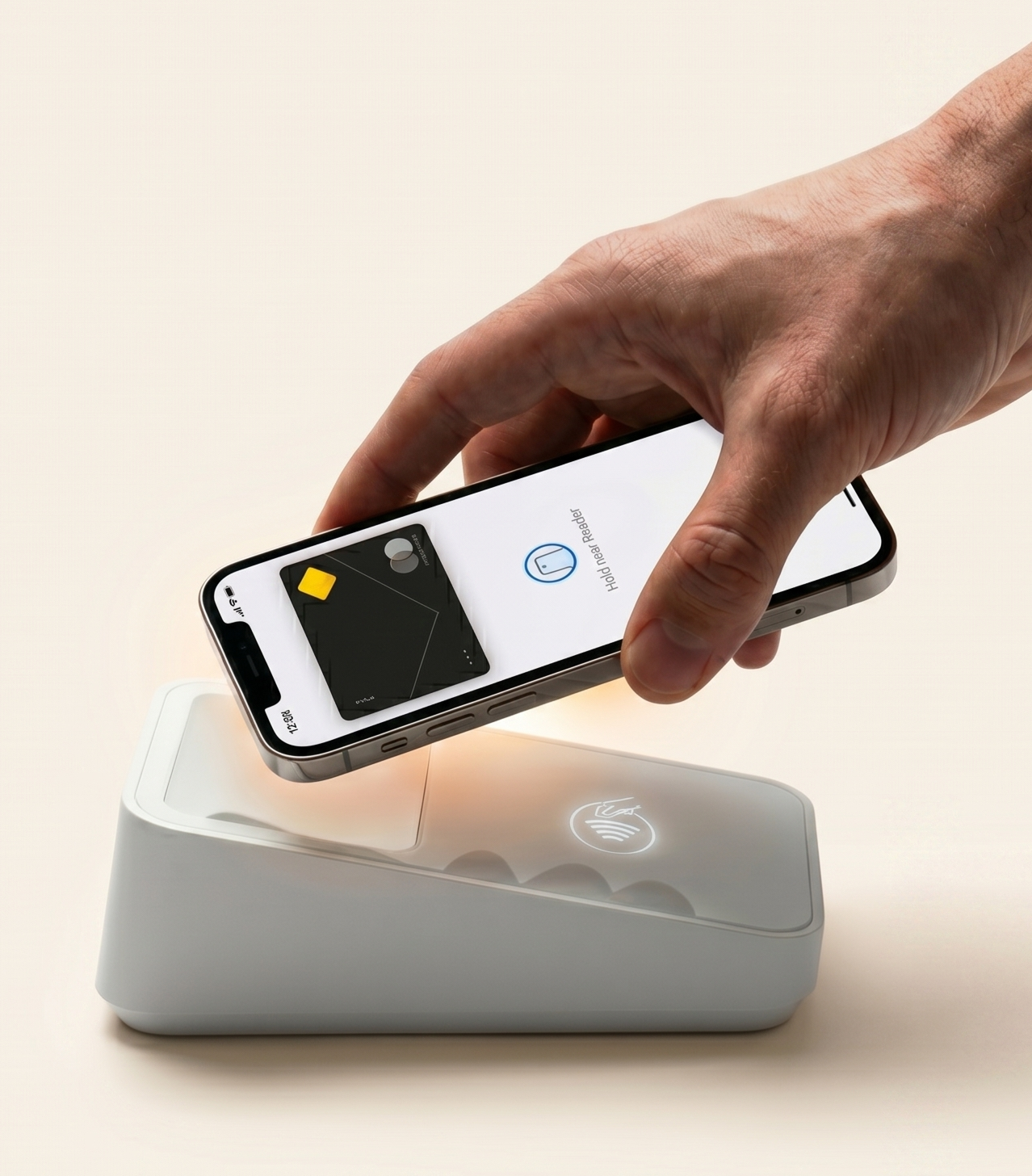
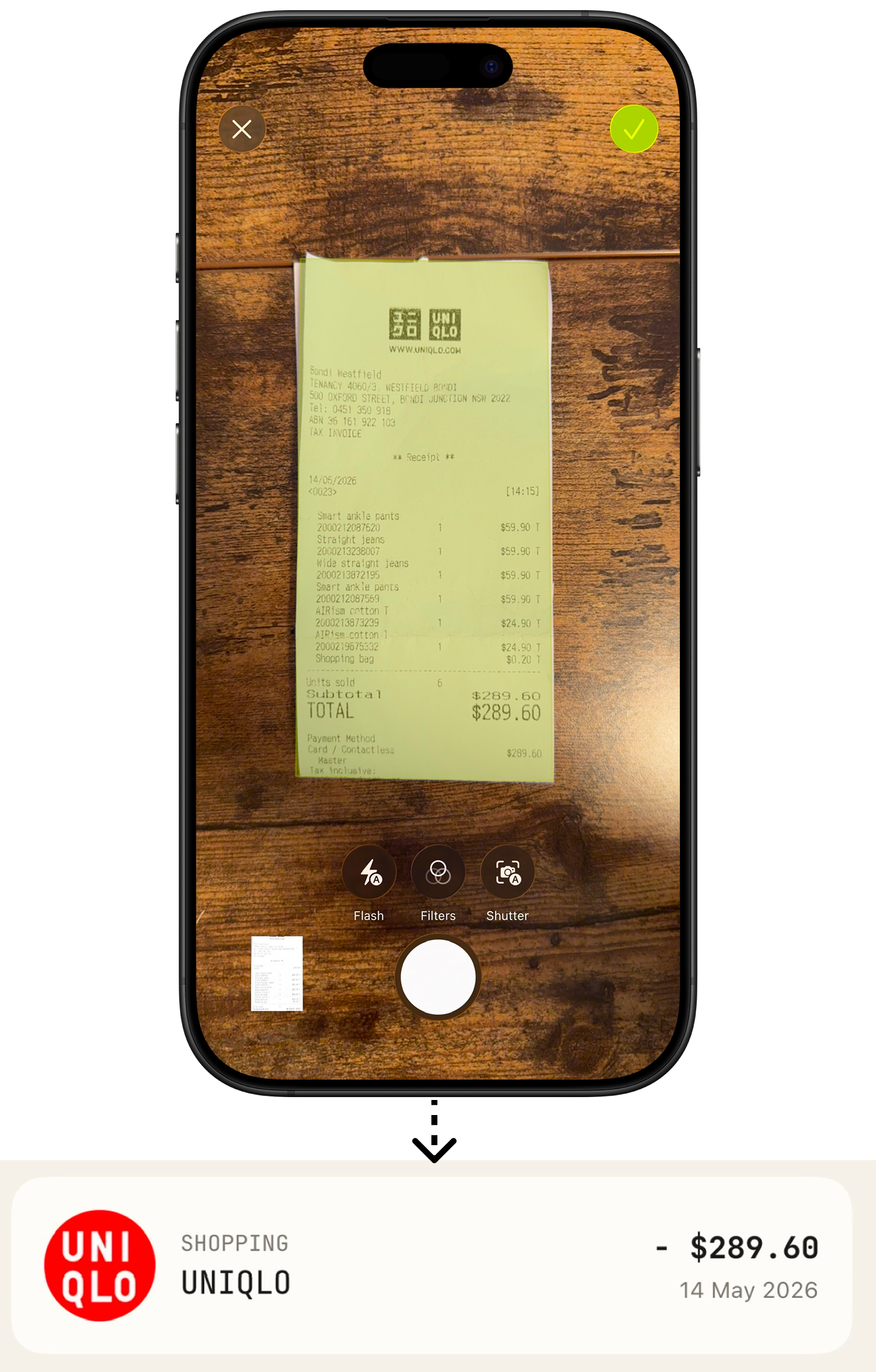
Track your Apple Pay purchases instantly — without ever linking a bank account or sharing a single credential.

  • Powered by Apple's Shortcuts
  • 100% secure — nothing sensitive is ever passed to the app
  • No bank connection, no screen-scraping
  • New purchases logged automatically
Learn more
An Apple Pay purchase tracked automatically
05 · Together

Share the wallet.
Keep the privacy.

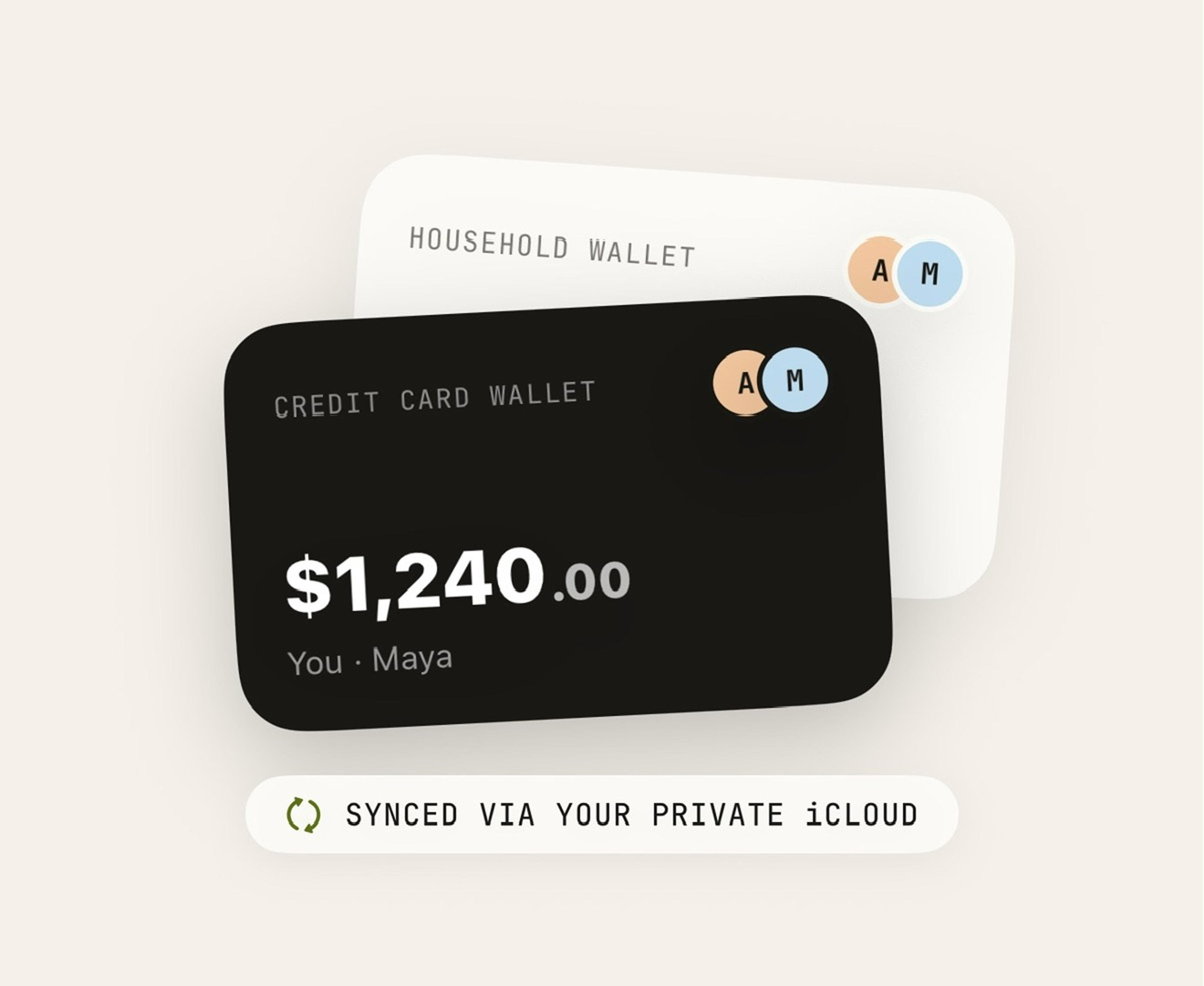
Rent, groceries, that weekend trip — track it together. Both contribute, both see live updates, nobody else does.

  • Share any wallet with whoever you choose
  • Live sync between you and yours
  • Stays private to the people in it
Learn more
See all features
Anonymous by design

Your money is
nobody's business.

No sign-ups. No identity. No external databases. Your data lives on your phone and syncs strictly through your own private iCloud. That's it.

Up and running in a minute

Three taps to clarity.

⬇️

1 · Download

Grab Spent from the App Store. No account to create, nothing to sign up for.

🎙️

2 · Say it

Tell Spent what you spent, or let Apple Pay purchases roll in on their own.

📊

3 · See it

Open the app to a clear picture of your month, sorted and ready.

Free to start

Start seeing where
your money goes.

Download Spent and log your first expense before you finish your coffee.